
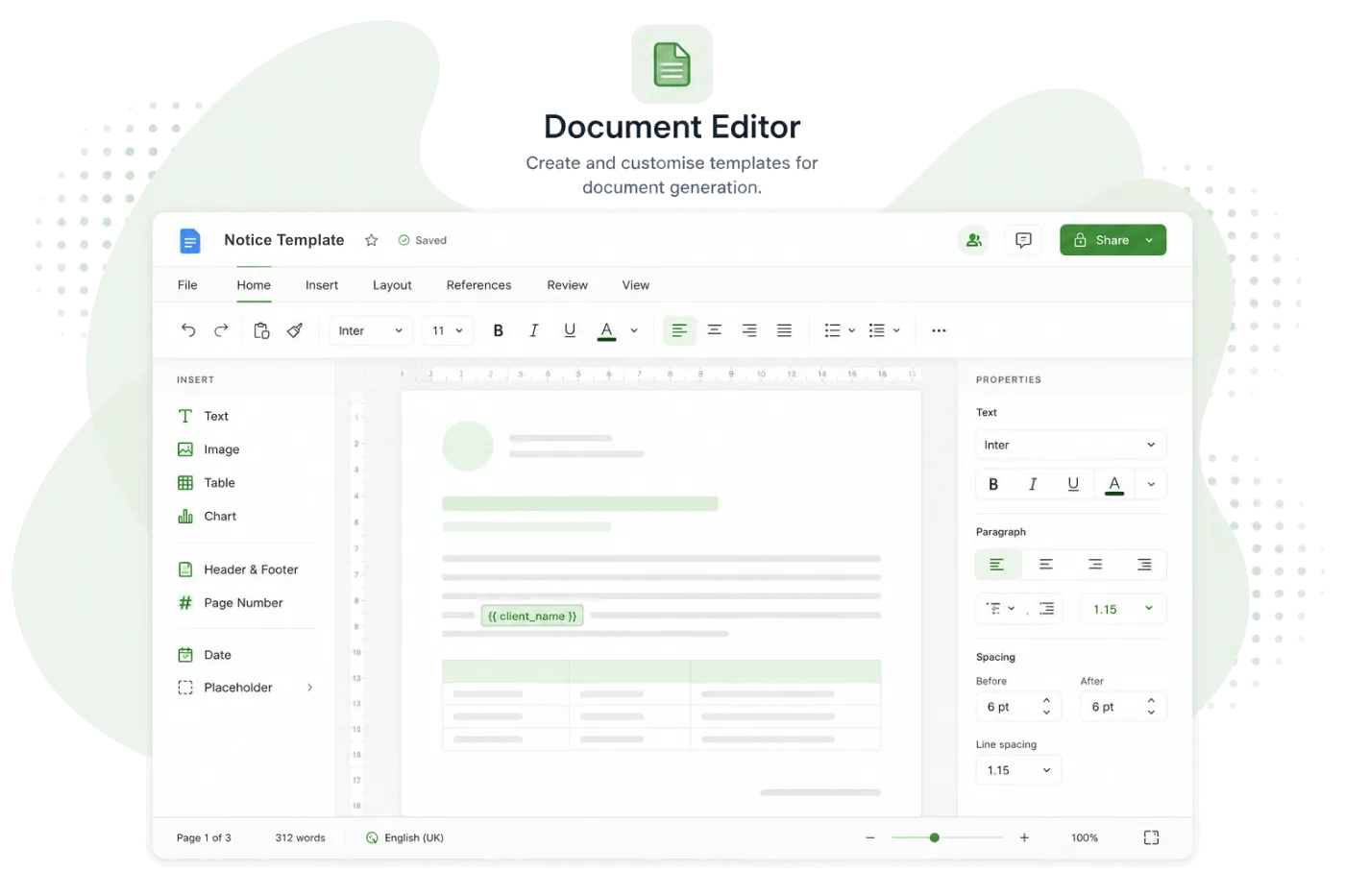
DOCX Editor
Edit document templates directly in the browser with a full-featured DOCX editor and merge tag selector.
Party Wall Portal includes a built-in DOCX editor powered by OnlyOffice. Edit your document templates directly in the browser with full formatting controls, headers, footers, tables, and images — without needing Microsoft Word installed.
Key capabilities
Full Formatting
Bold, italic, headings, tables, images, page breaks — everything you expect from a document editor.
Merge Tag Selector
Insert merge tags from a built-in panel. Browse by category and insert with a click — no memorising tag names.
Headers & Footers
Add your firm's letterhead, page numbers, and other elements to headers and footers.
Auto-Save
Your work is saved automatically as you type. Force-save at any time to ensure the latest version is stored.
Browser-Based
No software to install. The editor runs entirely in your browser and works on any desktop computer.
Fullscreen Mode
Expand the editor to fullscreen for a distraction-free editing experience with maximum workspace.
Edit templates without leaving the platform
The built-in DOCX editor means you never need to download a template, edit it in Word, and re-upload it. Open a template, make your changes, insert merge tags, and save — all within Party Wall Portal.
- Open any template in the editor with one click
- Full word-processor formatting — styles, tables, images, and more
- Insert merge tags from a categorised panel
- Save directly back to the platform — no download/upload cycle
Merge tags made easy
The merge tag selector panel sits alongside the editor. Browse tags by category — owner details, property information, surveyor data, dates — and insert them into your template with a single click.
- Over 100 merge tags covering all matter data
- Tags categorised for easy browsing
- Preview tag descriptions before inserting
- Tags render as visible placeholders in the editor
Explore more features
See how other parts of the platform work alongside DOCX Editor.