
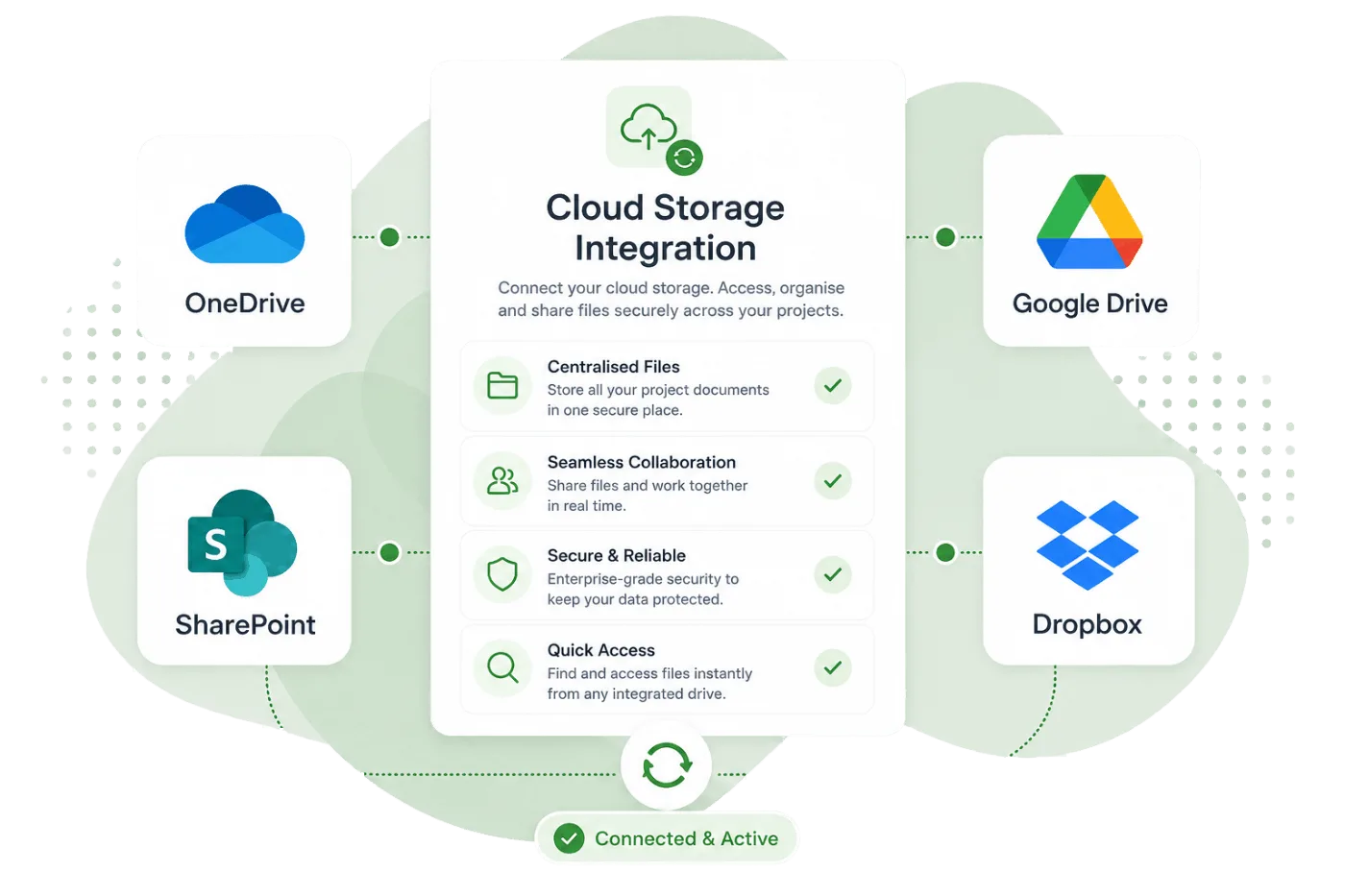
Cloud Integrations
Sync documents with OneDrive, Google Drive, or Dropbox for seamless file management.
Connect your preferred cloud storage provider and sync documents directly from Party Wall Portal. Whether your firm uses OneDrive, Google Drive, or Dropbox, your documents stay in sync across platforms.
Key capabilities
OneDrive Integration
Sync documents to your Microsoft OneDrive account with automatic folder organisation by job and matter.
Google Drive Integration
Connect Google Drive to push documents to your existing folder structure or let the portal organise them.
Dropbox Integration
Link your Dropbox account for automatic document syncing and backup of all generated files.
Organised Folders
Documents are automatically organised into folders by job and matter, mirroring your portal structure.
Automatic Sync
When you generate or upload a document, it syncs to your cloud storage without any manual steps.
Secure OAuth
All cloud connections use OAuth 2.0 — your storage passwords are never shared with or stored by the portal.
Your documents, wherever you need them
Many firms already have their file management workflows built around cloud storage. Party Wall Portal slots into your existing setup by syncing documents to the provider you already use.
- Choose from OneDrive, Google Drive, or Dropbox
- Send individual documents or sync automatically
- Folder structure mirrors your jobs and matters
- Access synced documents from any device via your cloud provider
Simple, secure setup
Connecting your cloud storage takes under a minute. Sign in with your provider, authorise access, and documents start syncing immediately. You can disconnect at any time.
- One-click OAuth connection — no API keys or passwords
- Choose which jobs or matters to sync
- Disconnect at any time without affecting your files
- All connections encrypted with industry-standard security
Explore more features
See how other parts of the platform work alongside Cloud Integrations.
Document Generation
Generate notices, awards, letters of appointment and more in minutes using your own custom templates.
Office 365 & Gmail
Send and receive emails directly within each matter with full Gmail and Outlook integration.
DOCX Editor
Edit document templates directly in the browser with a full-featured DOCX editor and merge tag selector.