
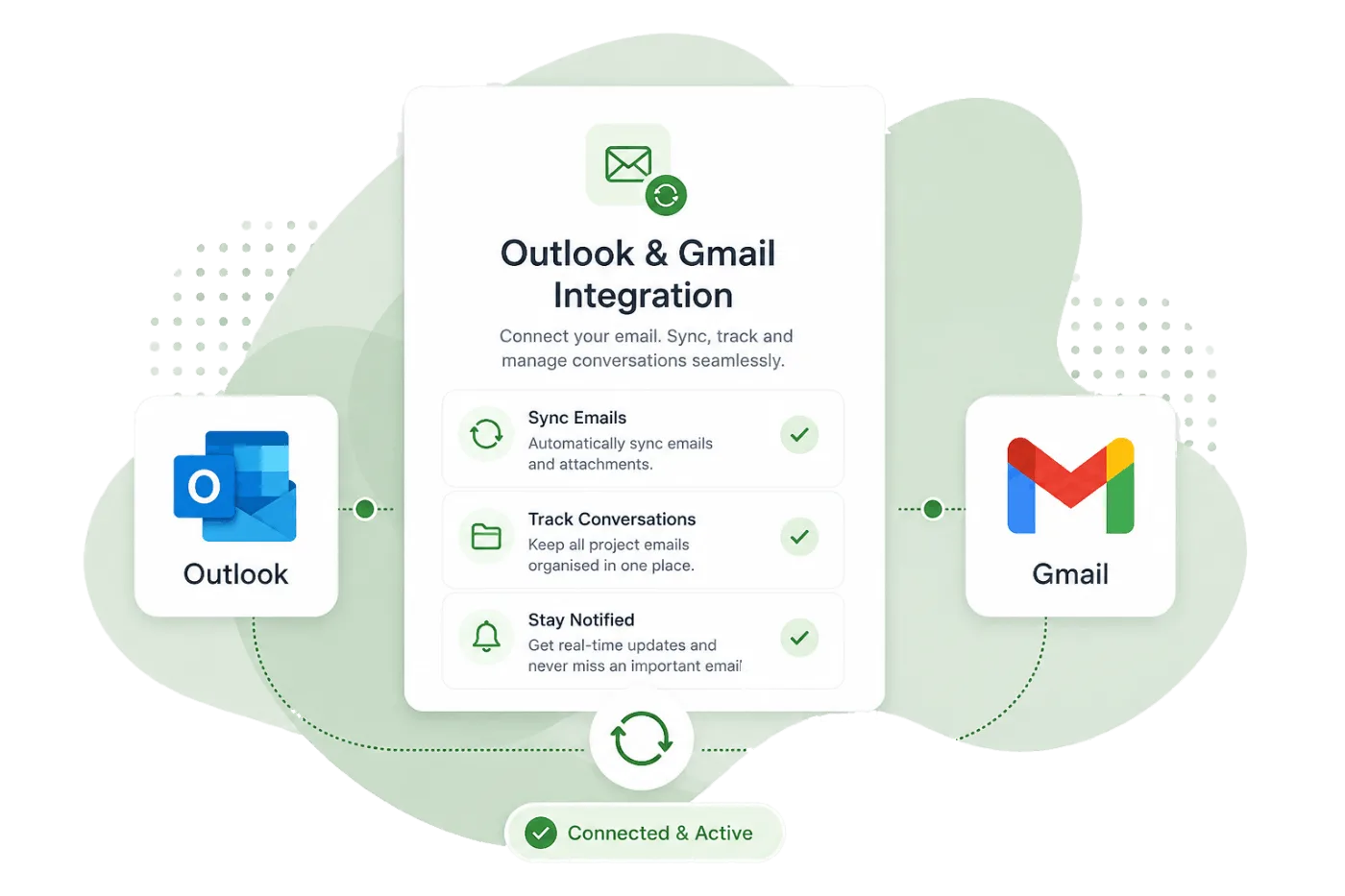
Office 365 & Gmail
Send and receive emails directly within each matter with full Gmail and Outlook integration.
Party Wall Portal integrates directly with Gmail and Microsoft Outlook so you can send, receive, and manage emails without leaving the platform. Every email is automatically linked to the correct matter, creating a complete correspondence record.
Key capabilities
Send From Portal
Compose and send emails directly from any matter using your connected Gmail or Outlook account.
Automatic BCC Logging
BCC your matter's unique email address to automatically log any email sent from your regular inbox.
Email Templates
Create reusable email templates with merge tags for common correspondence like cover letters and follow-ups.
Email Signatures
Set up your professional email signature once and it's automatically included in every email you send.
Calendar Sync
Your Google or Outlook calendar syncs bidirectionally so appointments appear in both places.
Attachment Handling
Attach documents from the matter or upload new files. Received attachments are stored in the matter automatically.
Email without leaving the matter
When you compose an email from within a matter, the recipient is pre-filled, the context is set, and the correspondence is automatically logged to the matter timeline. No copying, no BCC-ing, no manual filing.
- Rich text email composer with formatting toolbar
- Recipient auto-complete from your contact database
- Attach matter documents or upload new files
- Full email thread view within each matter
Works with your existing inbox
Already use Gmail or Outlook? You do not have to change your workflow. Connect your account and emails flow into the portal. Use the BCC address to log emails you send from your regular inbox too.
- Connect Gmail with OAuth — no passwords stored
- Connect Microsoft 365 / Outlook with OAuth
- Each matter gets a unique BCC email address
- Inbound emails matched to matters automatically
Explore more features
See how other parts of the platform work alongside Office 365 & Gmail.
Calendar & Scheduling
Schedule inspections, deadlines, and appointments with a shared team calendar that syncs with your existing tools.
Contact Management
Maintain a central database of owners, surveyors, and contacts with full correspondence history.
Cloud Integrations
Sync documents with OneDrive, Google Drive, or Dropbox for seamless file management.